Youtube Summary Software Comparison 2025 – Expert Review


Long videos can drain your time and energy, especially when all you want are the main ideas. Imagine being able to turn endless lectures, tutorials, or news segments into short, easy notes in just a few clicks. With new AI tools designed to pull highlights out of even the most complex content, catching up or studying no longer has to feel overwhelming. Whether you are looking to speed up your research, skip ads, or break down language barriers, these smart solutions promise a faster path to understanding. Curious how you can spend less time watching and more time learning? The options ahead might surprise you.
Table of Contents
Summyt
At a Glance
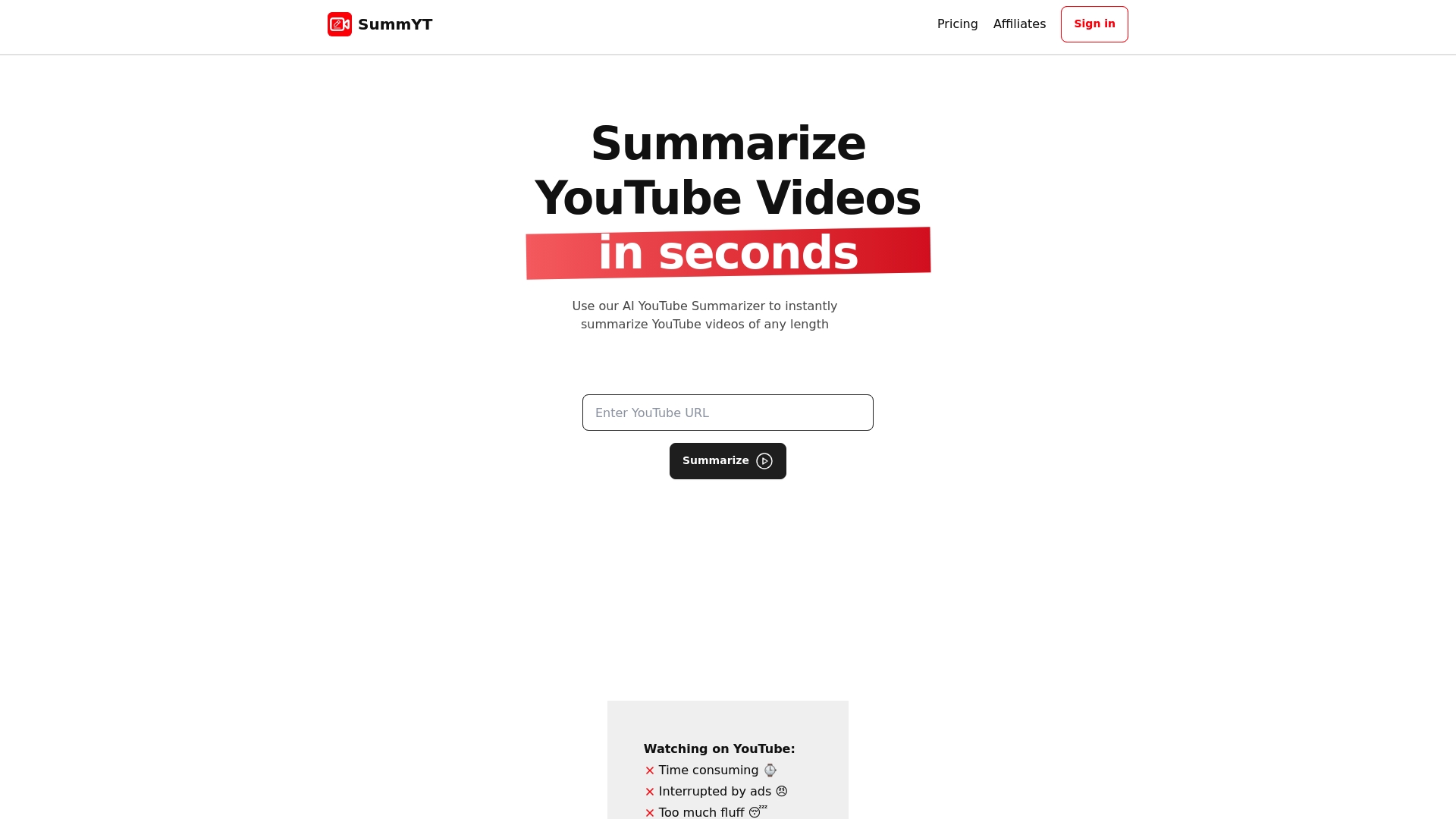
Summyt is an AI-powered YouTube summarizer that instantly generates clear, concise summaries and key insights from any YouTube video so you don’t need to watch the full recording. It saves you time and bandwidth while removing fluff, ads, and time waste—turning long lectures, tutorials, podcasts, webinars, news, or interviews into bite-sized, actionable notes. For students, professionals, and creators who need fast comprehension, Summyt delivers reliable, readable summaries without a steep learning curve.
Core Features
Summyt’s core capabilities center on automated, AI-driven summarization of YouTube videos with multilingual support and translation. It provides concise, high-quality summaries and notes optimized for study, research, and content repurposing. Accessibility features include browser extensions for one-click summarization, a mobile-friendly responsive interface, and dark mode for late-night review sessions. Subscribers get unlimited summaries, and new users receive free credits plus a 7-day free trial of the Summyt Plus plan for hands-on evaluation.
Pros
- Saves time by summarizing videos quickly: Summyt condenses long videos into focused takeaways so you can review content in minutes instead of hours.
- Reduces information overload: The summaries remove filler and ads, highlighting only the points that matter for learning or research.
- Cross-platform use on desktop and mobile: The responsive design and extensions let you capture summaries whether you’re at your desk or on the go.
- Supports multiple languages and translation: Multilingual support makes international lectures and interviews accessible without manual translation.
- Ad-free summarization experience: You get clean, uninterrupted summaries without promotional clutter during the processing flow.
Who It’s For
Summyt is designed for students and researchers who need quick comprehension of educational videos and lectures, professionals and knowledge workers who want summaries of webinars, trainings, or industry talks, content creators and journalists who require fast research and reference notes, and lifelong learners who want to clear their “watch later” lists and stay informed without wasting hours. If you value speed, clarity, and portability in how you consume video-based knowledge, Summyt is built for you.
Unique Value Proposition
Summyt’s unique value lies in combining instant, AI-powered summarization with practical access paths—browser extensions and a mobile-ready interface—so extracting knowledge becomes one click away. Unlike generic summarizers, Summyt is purpose-built for YouTube content: it trims filler and adverts, preserves essential context, and supports multiple languages, making it especially valuable for academic and professional workflows. The unlimited summaries for subscribers and the 7-day Summyt Plus trial let power users validate the workflow quickly, while free credits lower the entry barrier for occasional users. Its mission is to streamline video-based learning, improve productivity, and give people the key takeaways from any video in minutes instead of hours. That mission shapes design choices: reliability and clarity over noisy feature bloat.
Real World Use Case
A university student uses Summyt to summarize lengthy recorded lectures into structured notes for exam review, then extracts key quotes and timestamps to create a study sheet and social posts—cutting weekly study video time in half while improving retention.
Pricing
Summyt offers free credits upon sign-up and a 7-day free trial of the Summyt Plus plan that includes unlimited summaries, with paid subscriptions unlocking ongoing unlimited use and premium features.
Website: https://summyt.app
NoteGPT YouTube Video Summarizer
At a Glance
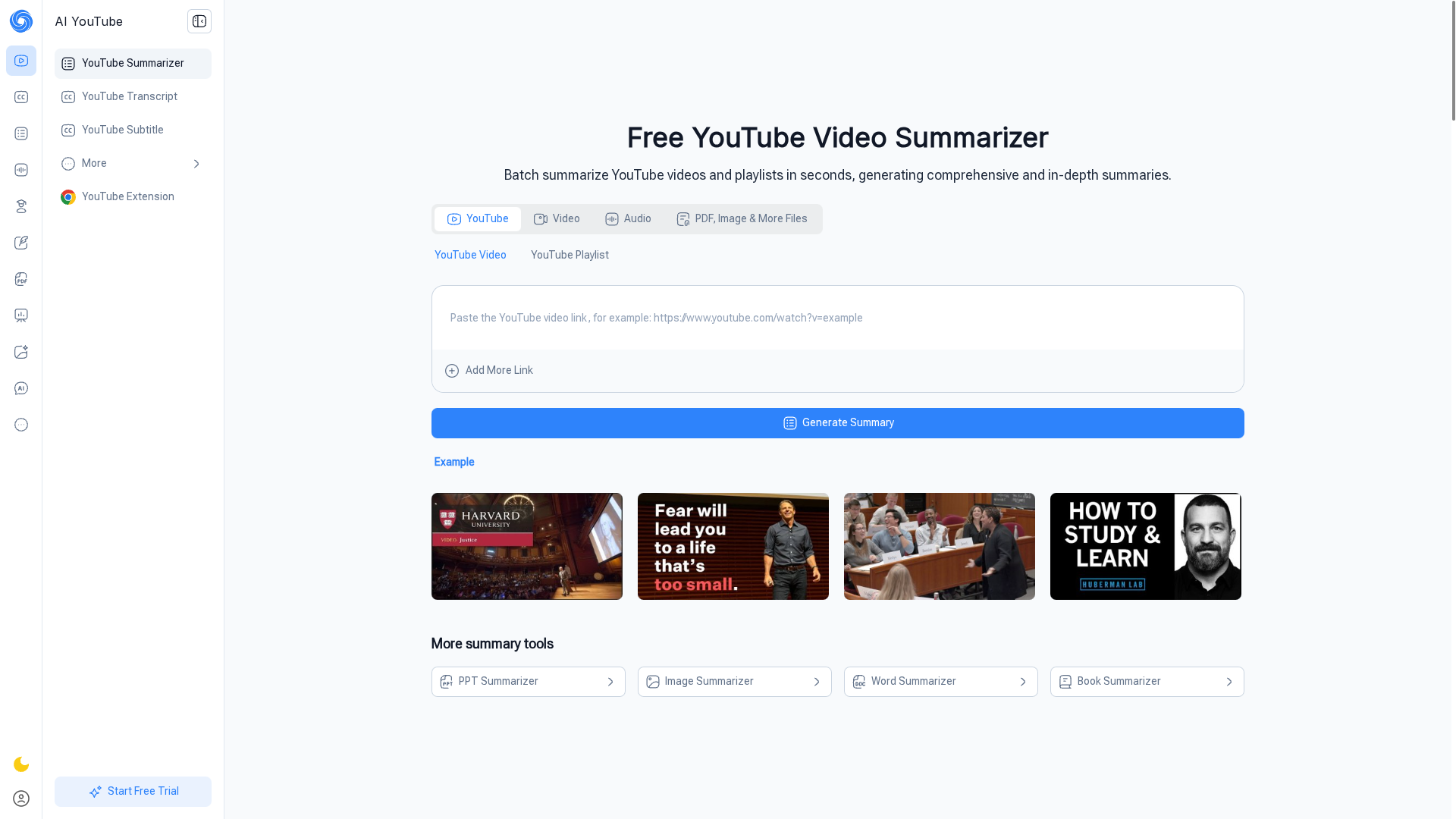
NoteGPT YouTube Video Summarizer is a practical, AI-driven tool for quickly extracting key points from YouTube content without watching the whole video. It’s free to start, supports batch processing and more than 60 languages, and can handle content that lacks subtitles. For students, researchers, and busy professionals who need fast comprehension, it reduces hours of video time into minutes of readable summaries. That said, some advanced capacities are gated behind paid plans.
Core Features
NoteGPT converts video transcripts into concise summaries using advanced AI models. Key capabilities include batch summarizing up to 20 videos at once, summarizing subtitle-free videos up to 150 minutes, and translating subtitles across 60+ languages. The platform describes a simple three-step workflow—paste a link, generate, read the summary—which makes adoption fast. It also supports multiple content formats such as PDFs and images, and the service advertises no limits on video length or total summaries while offering paid tiers for heavier usage and commercial rights.
Pros
- Free and approachable: The free tier lets you start summarizing quickly with a straightforward three-step process that lowers the learning curve.
- Batch processing saves time: Being able to summarize up to 20 videos simultaneously accelerates research workflows and playlist clearing.
- Multilingual support: With support for more than 60 languages, the tool helps you parse international content without switching platforms.
- Handles subtitle-free content: The ability to summarize videos without existing subtitles (up to 150 minutes) expands the range of usable material.
- Flexible content types: Support for PDFs and images means NoteGPT can fit into mixed-media research and note-taking routines.
Cons
- Some key features require paid plans: Advanced capabilities, higher processing limits, and commercial-use rights are available only on paid subscriptions.
- Duration limits on free processing: Although the service lists no limits overall, the free version restricts video duration for subtitle-free summarization to 150 minutes.
- Depends on internet and upload speed: Real-time processing is reliant on a stable internet connection, which can slow or interrupt large batch jobs.
Who It’s For
NoteGPT is ideal for students, researchers, educators, content creators, and professionals who need quick, accurate takeaways from long-form video content. If you often store hours of lectures, webinars, or conference talks and need to extract the gist fast, this tool plugs directly into that workflow. It’s especially useful when you must process multiple videos in a short time.
Unique Value Proposition
NoteGPT’s strength is combining accessible, free entry-level use with batch processing and broad language support, so users can rapidly convert diverse YouTube content into actionable notes. It’s a time-saver for people who value speed and multilingual reach.
Real World Use Case
A university student uses NoteGPT to summarize long lecture recordings, turning multi-hour sessions into concise notes for revision and saving hours of watch time—allowing more efficient study and focused review before exams.
Pricing
NoteGPT offers multiple plans ranging from a free tier to premium subscriptions, with discounts for annual payments and group licenses available for teams and institutions.
Website: https://notegpt.io/youtube-video-summarizer
eightify
At a Glance
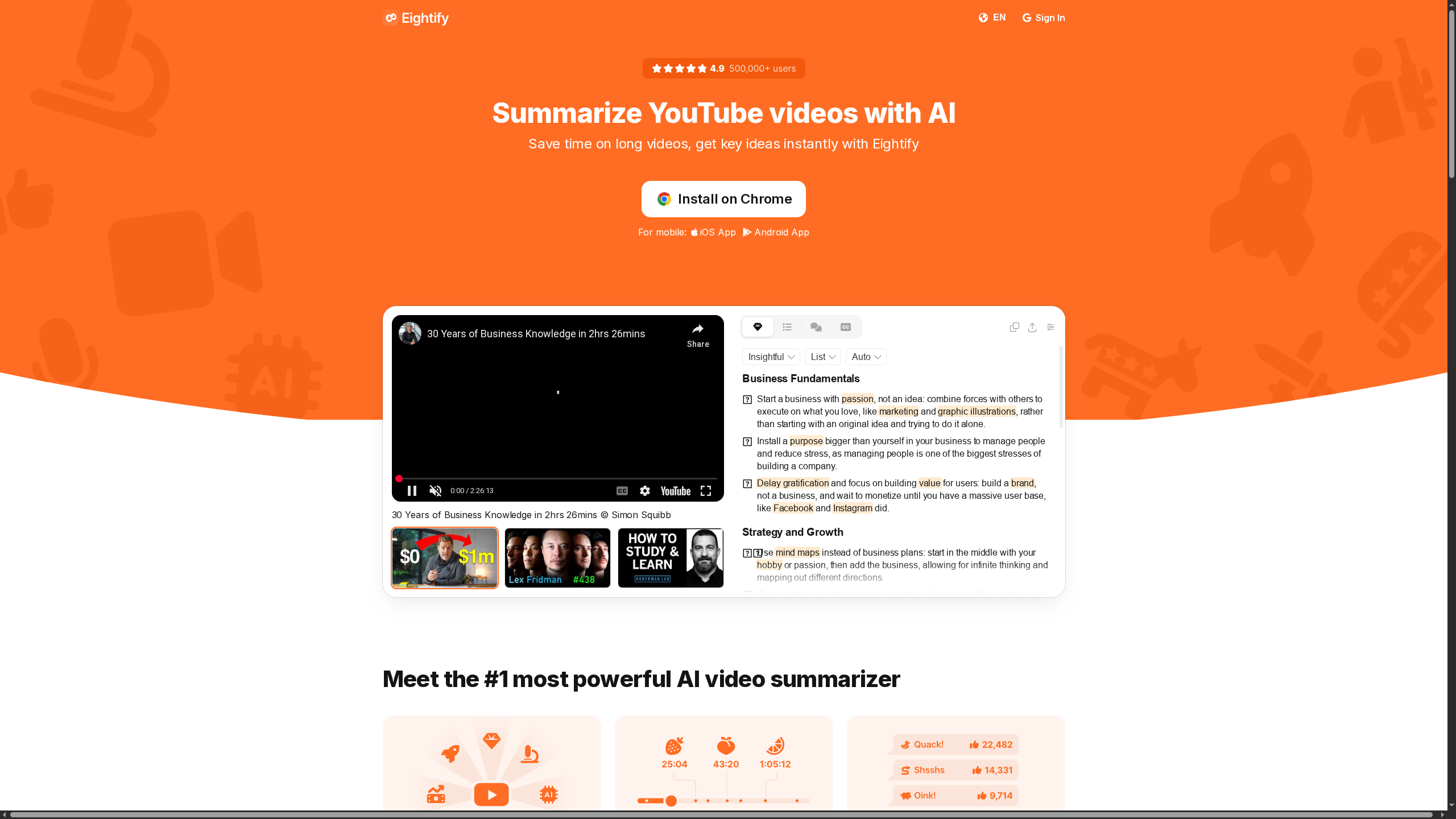
Eightify is an AI-powered YouTube summarizer built to extract key ideas fast, with support for transcripts, timestamps, and more than 40 languages. It trims long videos into concise summaries and offers one-click translations and sharing, which can markedly speed up research and learning. Mobile apps for iOS and Android make it accessible on the go, though pricing and advanced integration details are not publicly specified. Bottom line: a time-saving tool for heavy video consumers, with a few transparency gaps around cost and extensibility.
Core Features
Eightify delivers AI-driven video summaries, timestamped navigation to jump to specific topics, high-quality video-to-text transcriptions, and multilingual support across 40+ languages. It combines summaries and translations in a single click and includes sharing tools designed for turning video insights into articles or notes quickly. The mobile-first approach means you can summarize lectures or webinars from your phone, while transcripts give you a searchable text record for deeper review.
Pros
- Saves significant time by summarizing long videos: The core AI summary feature reduces hours of viewing to minutes of digestible takeaways.
- User-friendly with quick access on mobile devices: Native iOS and Android apps make capturing summaries while commuting or between meetings straightforward.
- Supports multiple languages for global content: With 40+ language options, Eightify serves multilingual workflows and non-English content effectively.
- Helps users learn faster and make better content choices: Summaries plus timestamps let you decide quickly whether to watch a full video or jump to the most relevant segment.
- Commended for accuracy in summaries and effective transcription: High-quality transcriptions paired with concise summaries improve note-taking and citation accuracy.
Cons
- Pricing transparency is lacking and may imply a paid model: The site doesn’t list specific pricing, which creates uncertainty about total cost and tiers.
- Potential limitations on free usage or feature caps: The absence of clear free-tier details suggests some useful features may require payment or subscription.
- No public information about customization or API access: If you need integration with workflows or programmatic access, there’s no visible documentation to confirm those capabilities.
Who It’s For
Eightify is ideal for students, researchers, content creators, journalists, educators, and busy professionals who regularly consume or analyze YouTube videos and need fast, reliable summaries. If you maintain a growing “watch later” list or rely on webinars and lectures for actionable knowledge, Eightify fits into a productivity-first routine and cuts through unnecessary viewing time.
Unique Value Proposition
Eightify’s strength is combining concise AI summaries with timestamped navigation and high-quality transcripts across dozens of languages, all accessible from mobile apps. That mix turns long-form video content into actionable notes and shareable insights in minutes, enabling faster decisions and more efficient learning.
Real World Use Case
A professional preparing for a board presentation uses Eightify to summarize three hours of conference talks, extracts timestamped segments for quotes, and shares translated summaries with an international team—saving hours of manual review and aligning everyone on the main takeaways.
Pricing
Pricing details are not specified on the website.
Website: https://eightify.app
Glarity.app
At a Glance
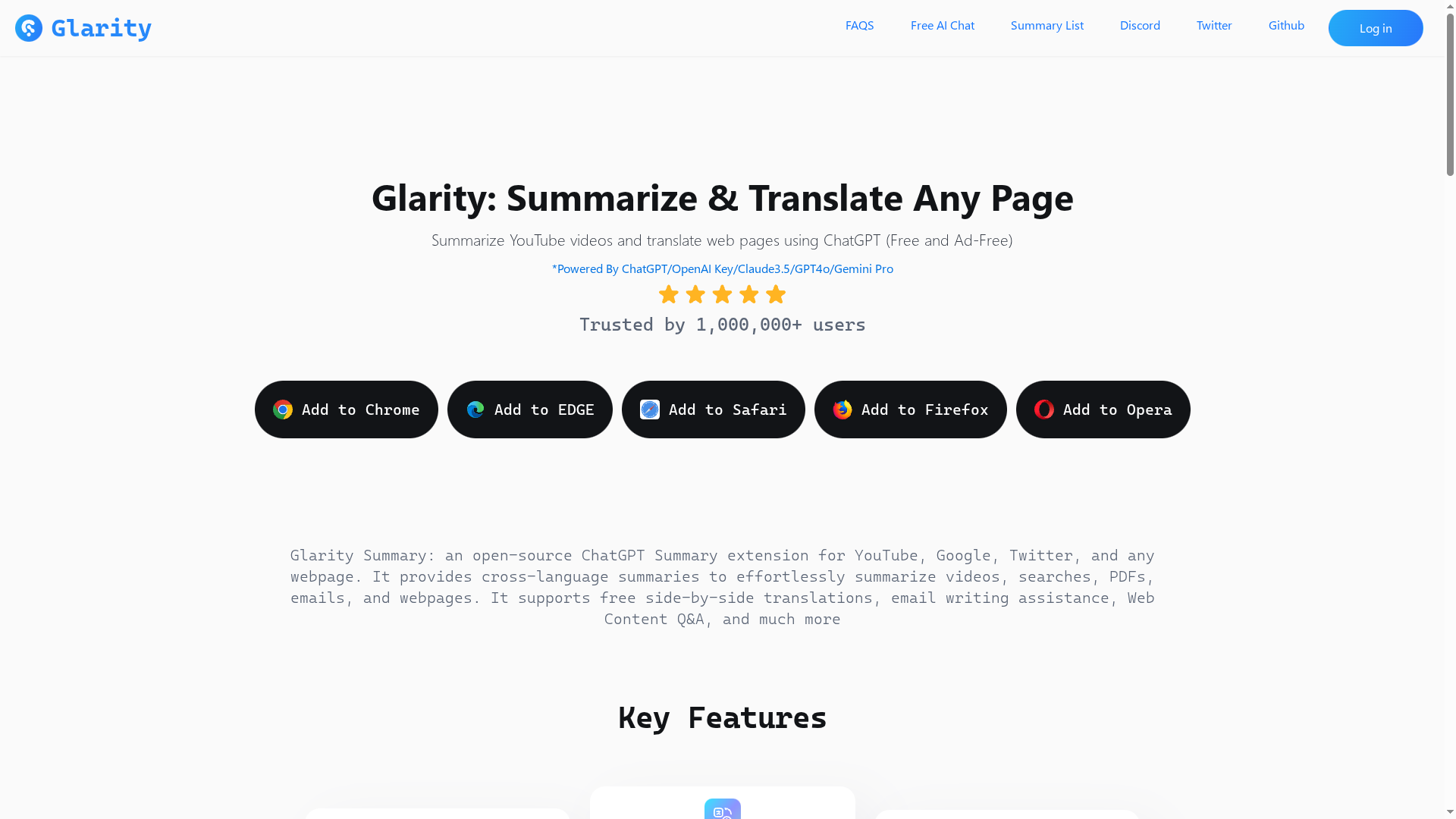
Glarity.app is an open-source ChatGPT extension that brings fast summarization and translation to browsers, supporting videos, web pages, PDFs, emails, and images. It pairs a no-ads, free core with optional paid tiers for heavier token usage, making it attractive for budget-conscious users who still need advanced capabilities. The extension supports multiple browsers and a large 200k-token context window, which helps with long documents and complex interactions. If you live in your browser and need quick comprehension across formats, Glarity is a practical, privacy-minded tool.
Core Features
Glarity summarizes YouTube videos with timestamps and key moments, digests web pages and PDFs, and delivers real-time full-page and image translation. It includes an AI reading assistant for deeper PDF and web content analysis and an AI writing assistant designed to speed up article, email, and social media drafting—claims up to 20x faster. The platform also supports ChatGPT-like conversational AI across multiple models, unlimited image generation, and a very large context window for extended sessions.
Pros
- Broad multi-format support: Glarity handles videos, web pages, PDFs, images, and emails, so you can stay in one workflow rather than switching tools.
- Open-source and ad-free core: The free, open-source base means transparent code and no advertising interruptions while you work.
- Cross-browser availability: Extensions for Chrome, Edge, Safari, Firefox, and Opera make it easy to use on most desktop environments.
- Strong multilingual capabilities: Real-time translations and multi-language summarization support cross-language research and global content consumption.
- Large context window: A 200k-token context allows for complex, long-form interactions that many competitors can’t manage.
- Integrated AI chat and generation: Built-in ChatGPT-style chat and image generation simplify follow-up research and creative tasks without leaving the page.
Cons
- Advanced features may require payment: Some higher-capacity features and expanded query limits are behind paid plans, which could affect heavy users.
- Browser-extension limitation: Functionality is limited to supported browsers, so non-browser workflows or isolated app environments may not be served.
- Token limits on specific tasks: PDF and video summarization can encounter token limits, which may truncate very long materials or require splitting documents manually.
Who It’s For
Glarity is ideal for students, researchers, content creators, and multilingual professionals who need quick comprehension and translation directly in the browser. If you frequently summarize long lectures, translate foreign-language articles, or draft responses across formats, Glarity reduces friction and keeps work centralized in a single extension.
Unique Value Proposition
Glarity’s strength is its combination of open-source transparency, multi-format summarization, and a very large context window—delivered as lightweight browser extensions without ads. This mix makes it uniquely practical for people who want powerful AI capabilities without a heavy desktop app or invasive monetization.
Real World Use Case
A researcher uses Glarity to summarize hour-long YouTube lectures into timestamped notes, then translates key sections into their native language for faster review and citation. Meanwhile, a content creator pulls article summaries and drafts social posts with the built-in writing assistant to accelerate publication.
Pricing
Glarity offers a free tier plus paid plans with higher query and token limits, available as monthly and annual subscriptions; pricing is transparent and based on token usage.
Website: https://glarity.app
upword.ai

At a Glance
upword.ai appears to be a parked domain hosted by GoDaddy that signals services around domain protection, SSL provisioning, off-market domain acquisition, and an intriguing mention of AI-powered personal finance tools. The site’s current state limits verification, but the core proposition—shielding domain assets while offering transactional security—would be valuable for businesses if fully realized. Bottom line: the ideas on the page are relevant, but the execution and clarity are incomplete right now.
Core Features
The available information lists four principal capabilities: domain safeguarding to prevent theft, expiration, or accidental transfer; issuance or facilitation of SSL certificates for secure online transactions; tools and broker access to acquire off-market domains anonymously and quickly; and a set of AI-driven personal finance tools aimed at predicting cash flow and optimizing debt repayment strategies. Those features combine domain security and website trust infrastructure with an unexpected financial analytics angle.
Pros
- Offers comprehensive domain management and protection services that address the common risks of theft, loss, and unwanted transfers.
- Provides cost savings on SSL certificates, which can reduce barrier-to-entry for small businesses seeking encrypted connections.
- Grants access to off-market domains through expert brokers, which can accelerate brand expansion without public negotiations.
- Introduces innovative AI tools for personal finance that, if real, could help users predict cash flow and create efficient debt repayment plans.
- Is supported by a reputable provider, GoDaddy, which lends credibility to the parked domain’s listed services.
Cons
- The website appears to be parked or not fully active, which prevents users from exploring or purchasing services directly from upword.ai.
- Mixed or misleading content about AI financial tools may not reflect actual products offered by upword.ai, creating confusion for visitors.
- There is limited information on specific features, pricing, or user support, which makes comparison and procurement difficult for decision makers.
Who It’s For
upword.ai targets businesses or individuals who prioritize domain protection and secure online transactions, plus anyone hunting for off-market domains to extend a brand. It also nominally addresses users interested in AI-driven personal finance, though those users should proceed cautiously until the offering is clarified.
Unique Value Proposition
The unique angle here is the combination of comprehensive domain protection and access to off-market domains, paired unexpectedly with AI personal finance tools. If delivered, that blend could make upword.ai a one-stop resource for both protecting online identity and improving small business financial insight.
Real World Use Case
Imagine a small company that recently rebranded and needs to shield multiple domains from theft while acquiring a related off-market domain quickly; upword.ai’s domain safeguarding and brokered acquisition tools would be directly relevant. At the same time, a founder could trial the AI finance features to model cash flow and prioritize debt repayment.
Pricing
Not specified on the webpage.
Website: https://upword.ai
YouTube Video Summarization Tools Comparison
This table provides a comprehensive comparison of AI-powered YouTube video summarization tools, highlighting their features, pros, cons, target users, and pricing models.
| Product | Features | Pros | Cons | Pricing |
|---|---|---|---|---|
| Summyt | AI-driven summaries, multilingual support, browser extensions, mobile-friendly, dark mode | Saves time, removes ads, desktop/mobile support, supports multiple languages, ad-free | No specific cons mentioned | Free credits, 7-day free trial, subscriptions |
| NoteGPT | Summarizes without subtitles, batch processing, 60+ languages, PDF/image support | Free to start, batch processing, multilingual support, handles no-subtitle videos, flexible content types | Some features require payment, duration limits on free tier | Free, premium subscriptions available |
| Eightify | AI summaries, timestamped navigation, mobile apps, high-quality transcriptions, 40+ languages | Saves time, mobile access, multilingual support, improves content choice decisions | Lack of pricing transparency, no public customization info | Not specified |
| Glarity.app | Multi-format support, open-source, cross-browser, translations, large context window | Broad format support, open-source, no ads, cross-browser, strong multilingual capabilities, integrated AI chat | Advanced features may require payment, browser-extension limitation, token limits on some tasks | Free tier, paid plans available |
| upword.ai | Domain safeguarding, SSL certificates, off-market domain access, AI personal finance tools | Comprehensive domain management, SSL savings, access to off-market domains | Parked domain, unclear offerings, limited info on features and pricing | Not specified |
Save Hours and Boost Learning with Summyt AI YouTube Summaries
In the fast-paced world of video content, the biggest challenge is overcoming the overwhelming length and distracting filler of YouTube videos. The article “Youtube Summary Software Comparison 2025” highlights the common pain points of spending too much time watching long lectures, webinars, and podcasts, only to struggle with information overload and loss of focus. If your goal is to gain quick comprehension and actionable insights without wasting hours, then Summyt is the solution tailored exactly for that.
Summyt https://summyt.app uses advanced AI to automatically generate clear, concise summaries that cut through fluff, ads, and irrelevant content. It is perfect for students, professionals, and creators who want to learn faster and stay informed with minimal effort. With browser extensions for one-click summaries and a mobile-friendly interface, you can instantly access key points wherever you are, making video-based learning productive and effective. Summyt also supports multiple languages for global content, so language barriers won’t slow you down.
Looking to reclaim your time and improve retention while clearing your “watch later” list?
Try Summyt now and experience the difference. Visit Summyt AI YouTube Summarizer to get started today and transform how you learn from videos forever.
Frequently Asked Questions
What are the main features to look for in YouTube summary software?
The main features to consider include automated summarization, multilingual support, mobile accessibility, and the ability to handle videos without subtitles. Prioritize tools that offer quick, clear summaries and save you time by filtering out unnecessary content.
How do I choose the right YouTube summary software for my needs?
To choose the right software, assess your specific requirements such as the type of content you consume and whether you need batch processing capabilities. Try options that offer free trials to evaluate their effectiveness in summarizing your most-watched videos.
Can I use YouTube summary software on my mobile device?
Yes, many YouTube summary tools offer mobile-friendly apps or responsive designs that allow for seamless use on smartphones and tablets. Check for features like offline access or easy sharing to improve your mobile experience while summarizing videos.
How can YouTube summary software help students and researchers?
YouTube summary software can help students and researchers by condensing lengthy video lectures and tutorials into concise notes, making study sessions more efficient. To maximize benefits, use these summaries to create study sheets and easily reference key points before exams.
Are there limits to how many videos I can summarize at once?
Yes, many software options have limits on the number of videos you can summarize simultaneously, especially in free versions. Evaluate tools that allow for batch processing to summarize multiple videos in one go, saving you valuable time.
How do I integrate YouTube summary software into my existing workflow?
To integrate YouTube summary software, start by identifying which video platforms you use most and add summarization tools as browser extensions or mobile apps. Set aside a regular time to summarize videos within your research or content creation routine for a more streamlined process.