How to Take Smart Webinar Notes for Faster Learning


Over half of American marketing professionals say webinars are their fastest source of industry updates, yet many struggle to capture key insights efficiently. If you are tired of drowning in lengthy transcripts and scattered notes after each session, finding a smarter approach can save hours and sharpen your focus. This guide shows clear, proven steps to help you digest content quickly, turn insights into action, and make every webinar count for your learning and business growth.
Table of Contents
- Step 1: Set Up Your Webinar Note-Taking Tools
- Step 2: Identify Main Goals and Key Topics
- Step 3: Capture Actionable Insights in Real-Time
- Step 4: Summarize and Organize Key Points
- Step 5: Review and Refine Your Webinar Notes
Quick Summary
| Important Insight | Explanation |
|---|---|
| 1. Choose Effective Tools | Select digital or physical note-taking tools that enhance focus and organization during webinars. |
| 2. Set Clear Learning Goals | Identify main objectives and topics beforehand to streamline the note-taking process and ensure relevance. |
| 3. Capture Actionable Insights | Focus on recording specific strategies and recommendations that can be applied immediately to your work. |
| 4. Summarize Key Takeaways | Distill essential insights into a concise format for easier review and comprehension after the webinar. |
| 5. Review and Refine Notes | Schedule a follow-up session to critically assess and organize notes, ensuring they are actionable and useful. |
Step 1: Set Up Your Webinar Note-Taking Tools
Effective webinar note-taking starts with selecting the right digital and physical tools that streamline your learning process. Your goal is to create a systematic approach that captures key insights while minimizing distractions and cognitive overload.
Begin by choosing a structured note-taking method that supports efficient information capture. The Cornell note-taking system works particularly well for webinars, allowing you to divide your page into distinct sections for notes, cues, and summaries. For digital learners, consider using apps like Evernote, OneNote, or Notion that offer flexible note organization and real-time synchronization across devices.
Select tools that match your personal learning style. Some professionals prefer split-screen setups with the webinar on one side and a note-taking app on the other, while others might opt for a physical notebook with a dedicated template. Regardless of your chosen method, prioritize tools that help you stay focused and quickly capture critical information without getting bogged down in excessive details.
Here’s how popular webinar note-taking tools compare for different learning styles:
| Tool Type | Example Tools | Best For | Notable Advantage |
|---|---|---|---|
| Digital Apps | Evernote, OneNote | Fast organization | Sync across devices |
| Split-Screen | Laptop setup | Multitasking | Efficient for webinars |
| Paper Methods | Cornell Notes | Deep focus | Easy visual overview |
| Mind Mapping | XMind, MindMeister | Visual thinkers | Links concepts visually |
Pro tip: Create a dedicated note-taking workspace on your computer or desk before the webinar starts to minimize setup time and reduce potential distractions.
Step 2: Identify Main Goals and Key Topics
Successful webinar note-taking requires a strategic approach before the session even begins. Identifying your primary learning goals and key topics sets the foundation for focused and effective note-taking that maximizes your learning potential.
Start by reviewing the webinar description or agenda to understand the core content areas. University research confirms that targeted note-taking directly enhances academic performance by helping you concentrate on the most relevant information. Create a preliminary outline with 3-5 key topic areas you expect to explore, leaving space for additional insights that might emerge during the presentation. This approach allows you to create a flexible yet structured framework for capturing important information.
Prepare a simple note-taking template with sections corresponding to your identified goals. Consider using columns or sections that allow you to quickly distinguish between main points, supporting details, and your personal reflections or questions. This method transforms passive listening into an active learning experience, ensuring you engage deeply with the webinar content.
Pro tip: Send a quick email or message to the webinar host beforehand if you have specific learning objectives not clearly addressed in the initial description.
Step 3: Capture Actionable Insights in Real-Time
Capturing actionable insights during webinars transforms passive listening into an active learning experience. Your primary goal is to identify and record information that can be directly applied to your work, personal projects, or professional development.
During the webinar, focus on listening for specific strategies, case studies, and practical recommendations that offer tangible value. Real-time content synthesis helps convert information into immediate usable knowledge, so train yourself to quickly distinguish between background information and actionable insights. Develop a shorthand system that allows you to rapidly annotate key points with symbols or abbreviations that indicate potential implementation steps. For instance, use a star for critical insights, a lightning bolt for immediate action items, and a question mark for areas requiring further research.
Create a dedicated section in your notes for potential applications, where you immediately translate the webinar content into specific tasks or strategies you can implement. This approach ensures that valuable information does not get lost in passive note-taking but becomes a catalyst for actual progress and skill development.
Pro tip: Use color coding or visual markers to distinguish between different types of insights quick reference during post-webinar review.
Step 4: Summarize and Organize Key Points
Summarization is a critical skill for transforming complex webinar content into actionable knowledge. Your objective is to distill the webinar’s most important insights into a clear, concise format that captures the essence of the presentation without losing critical details.

Effective summarization strategies help learners synthesize information more efficiently, making post-webinar review and implementation significantly easier. Implement the Cornell Notes method by dividing your notes into three primary sections: a main notes column, a cues column for key concepts, and a summary section at the bottom. This structured approach allows you to quickly identify main ideas, supporting details, and overarching themes. Within 24 hours after the webinar, review your notes and create a condensed summary that highlights no more than 5 to 7 key takeaways that have the most potential to impact your work or personal development.
Consider using digital tools that support hierarchical note organization, such as mind mapping applications or note-taking software with outlining capabilities. These tools can help you visually connect related concepts and create a more intuitive summary that reflects the webinar’s structure and your personal learning insights.
Pro tip: Record a brief voice memo summarizing your top three insights immediately after the webinar to reinforce your learning and capture spontaneous reflections.
Step 5: Review and Refine Your Webinar Notes
Critical note review helps transform raw information into meaningful learning experiences. Your goal in this stage is to transform your initial webinar notes from a collection of scattered insights into a coherent, actionable resource that supports your professional or personal growth.
Professional development requires structured follow-up with your captured webinar insights, so begin by scheduling a dedicated review session within 48 hours of the webinar. During this session, read through your notes critically, looking for connections between ideas, identifying potential implementation strategies, and highlighting areas that require additional research or clarification. Use color coding or different text formatting to distinguish between main concepts, personal reflections, and actionable next steps. This approach helps create a visual hierarchy that makes your notes more comprehensible and immediately useful.
Consider creating a summary document that distills your refined notes into a one-page overview. This condensed version should include key takeaways, potential applications, and any questions or follow-up actions you identified during your review. By transforming your initial notes into a structured document, you increase the likelihood of actually applying the knowledge you gained.
Pro tip: Share your refined notes summary with a colleague or mentor to gain additional perspectives and validate your key insights.
The following table summarizes the key stages of effective webinar note-taking:
| Stage | Main Objective | Recommended Practice |
|---|---|---|
| Preparation | Minimize distractions | Set up workspace |
| Goal Setting | Focus content capture | Review agenda |
| Real-Time Notes | Record actionable insights | Develop shorthand system |
| Summarization | Synthesize essential takeaways | Create a concise summary |
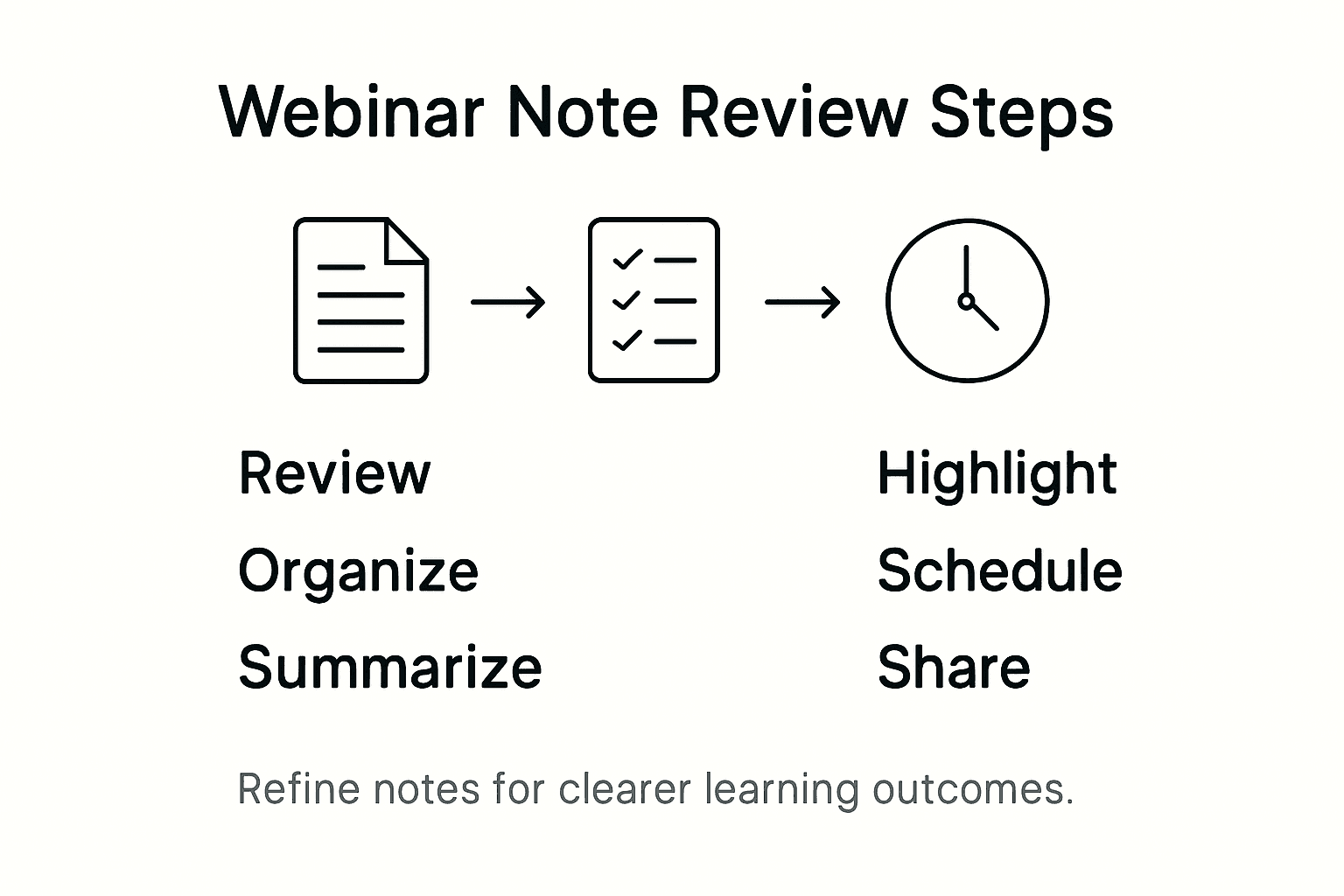
| Review & Refine | Ensure notes are actionable | Highlight critical steps |
Take Your Webinar Note-Taking to the Next Level with SummYT
The article highlights the challenge of capturing actionable insights and summarizing webinar content effectively to boost your learning and productivity. If you find yourself overwhelmed by lengthy webinars or struggling to organize notes with methods like the Cornell system or shorthand symbols, you are not alone. Simplifying this process and focusing on key takeaways is essential to avoid wasting valuable time and missing critical information.
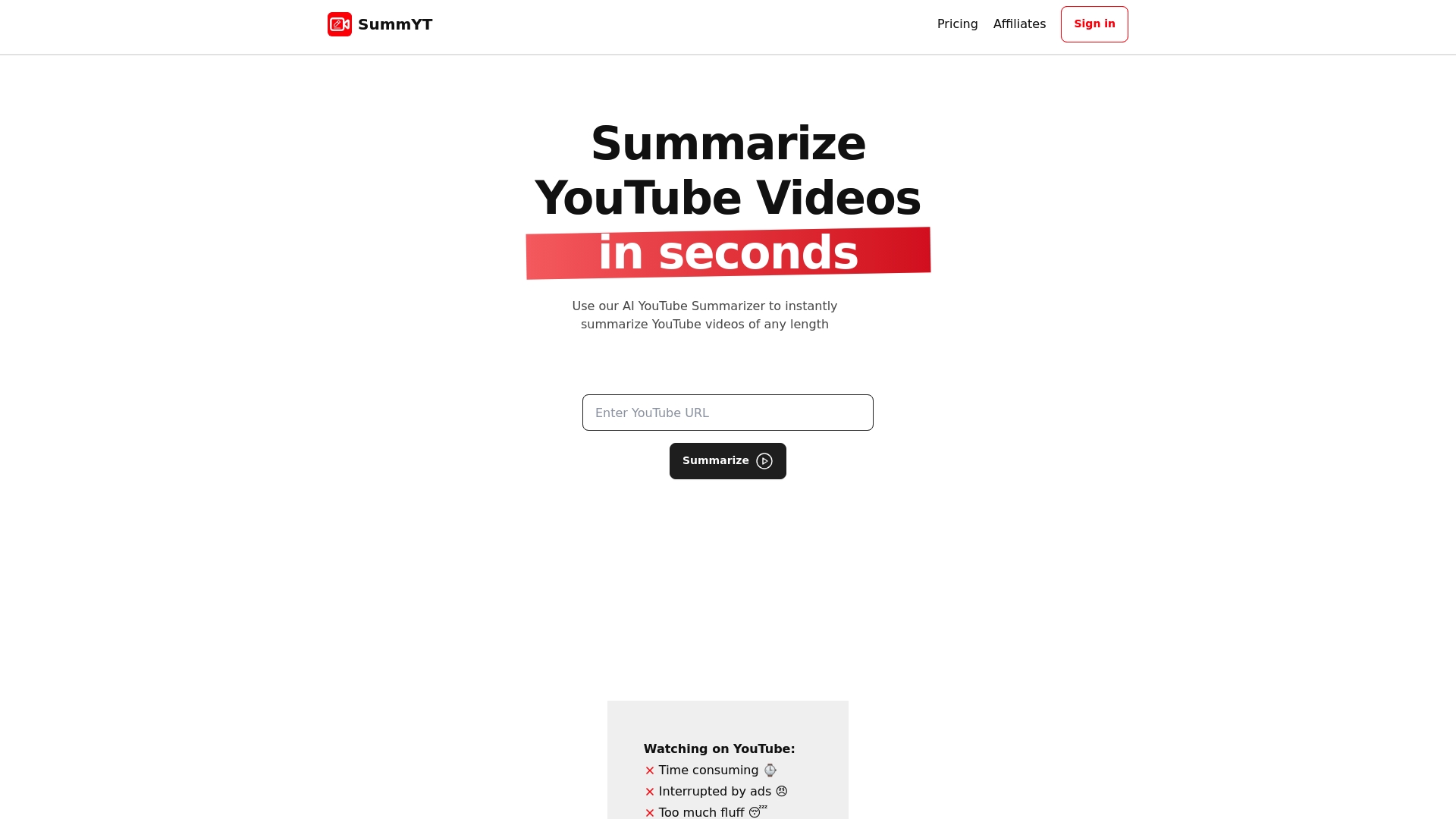
SummYT offers a smart solution by automatically generating clear, concise summaries and highlighting key points from any YouTube video including webinars and lectures. This AI-powered YouTube summarizer lets you save time and capture the essence of your webinar without scrambling to write notes in real time. Whether you want quick comprehension or a structured summary for later review, SummYT supports you every step of the way. Start streamlining your video-based learning and say goodbye to information overload by visiting SummYT. Don’t wait—turn your webinar watching into efficient learning now.
Frequently Asked Questions
What tools should I use for effective webinar note-taking?
Effective webinar note-taking requires the right tools that align with your learning style. Choose digital apps for fast organization or traditional paper methods for deep focus, such as the Cornell note-taking system.
How can I identify key topics for note-taking before a webinar?
Identify key topics by reviewing the webinar description or agenda to outline 3-5 main areas of interest. Structuring your note-taking template with these key topics in mind will help maintain focus during the session.
What strategies can I use to capture insights in real-time during a webinar?
To capture actionable insights in real-time, focus on listening for specific strategies and recommendations. Develop a shorthand system to annotate key points quickly, and create a dedicated section in your notes for potential applications of the content discussed.
How do I summarize my notes after a webinar?
Summarize your notes by organizing them into main points, supporting details, and a summary. Aim to condense your notes into no more than 5-7 key takeaways within 24 hours to reinforce your learning and facilitate application.
When should I review and refine my webinar notes?
Schedule a review session within 48 hours of the webinar to evaluate your notes critically. Highlight connections between ideas and create a summary document that outlines key insights, potential applications, and follow-up actions.