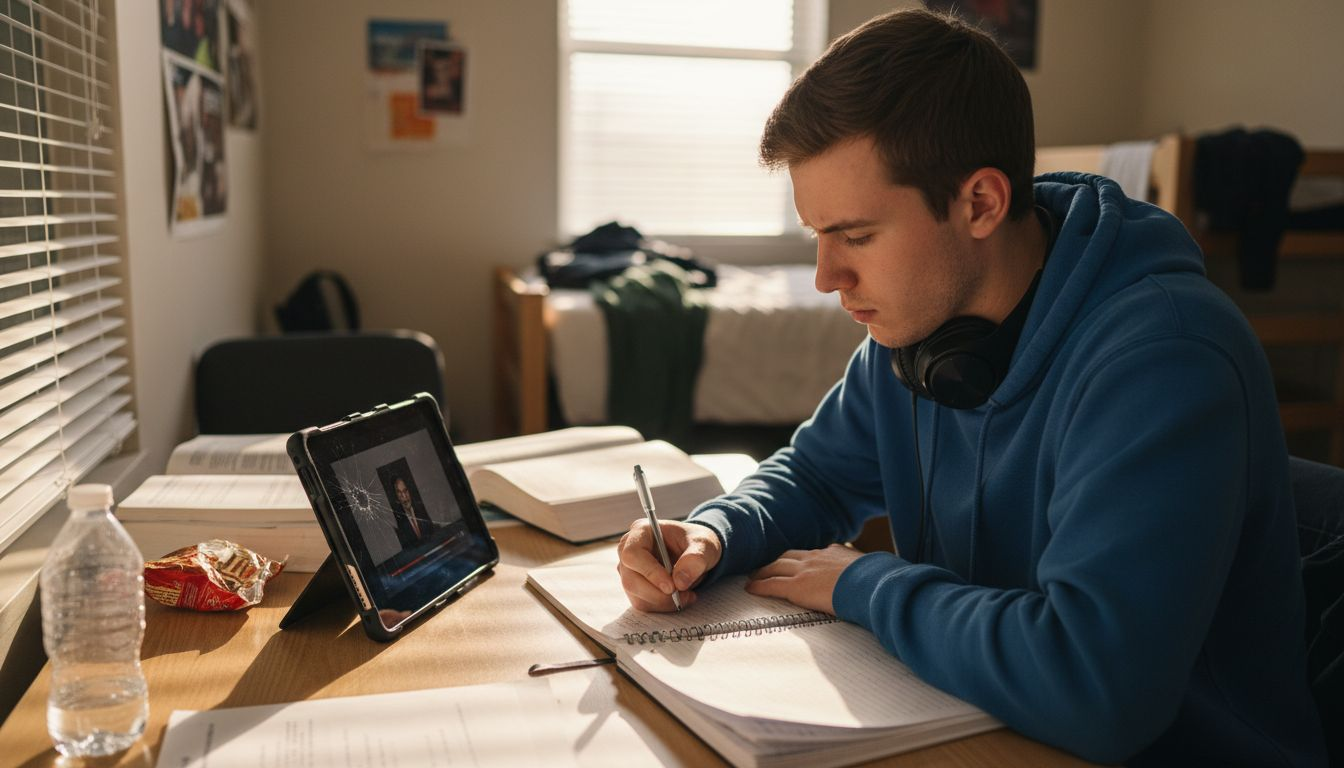
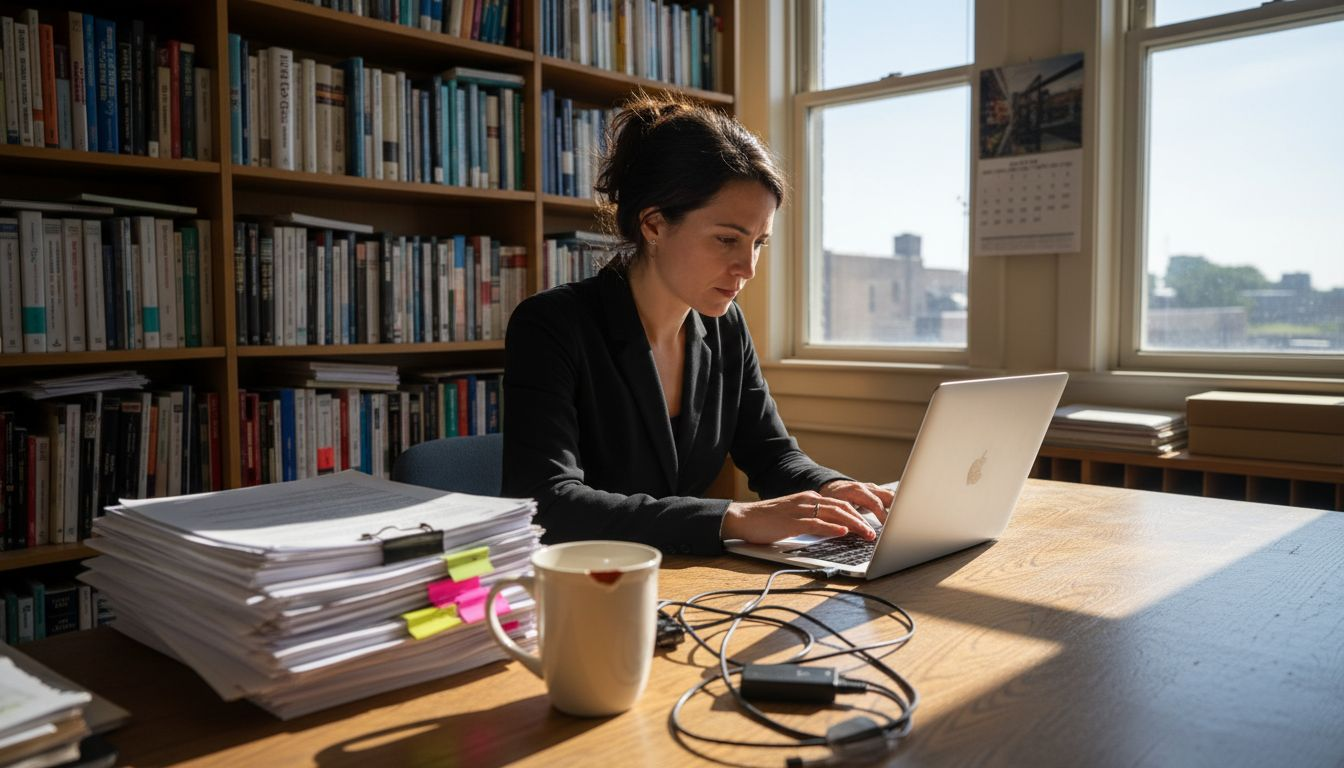
How to Reduce Video Distractions for Efficient Viewing

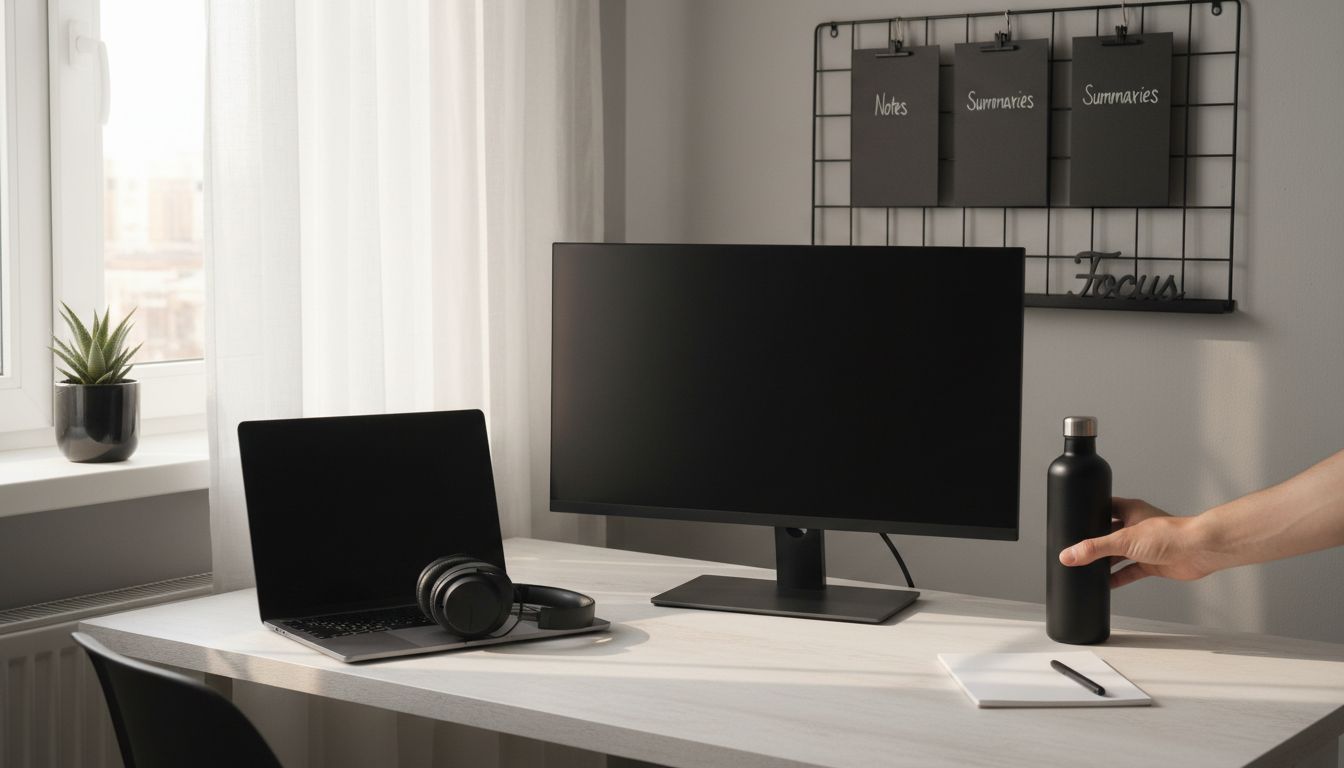
More than 60 percent of american adults say they get distracted when watching educational videos at home. Distraction is not just an annoyance, it can undermine your ability to absorb and use new information. Understanding how your environment and devices affect your attention allows you to create a focused space that truly supports efficient video learning. This guide shows practical ways to set up your surroundings and technology for better concentration during every video session.
Table of Contents
- Step 1: Prepare Your Viewing Environment For Focus
- Step 2: Configure Your Device To Limit Interruptions
- Step 3: Enable Distraction-Reducing Video Tools
- Step 4: Apply Proven Video Summary Techniques
- Step 5: Review And Verify Focused Video Comprehension
Quick Summary
| Key Point | Explanation |
|---|---|
| 1. Optimize your workspace for focus | Create a distraction-free environment with good lighting, minimal clutter, and comfortable temperature to enhance attention during video viewing. |
| 2. Silence devices to reduce interruptions | Activate do not disturb mode on all devices and keep smartphones out of sight to maintain focus on video content. |
| 3. Utilize video tools for better learning | Install apps and browser extensions that block distractions to streamline your digital environment for more effective video consumption. |
| 4. Implement video summarization techniques | Break videos into segments, engage in note-taking, and capture key points to improve retention and comprehension of the material. |
| 5. Conduct active comprehension reviews | After viewing, summarize the content in your own words and ask critical questions to reinforce understanding of the material. |
Step 1: Prepare your viewing environment for focus
Crafting an ideal viewing environment transforms how you consume video content and dramatically improves your concentration. Your physical setup directly impacts your ability to absorb information without unnecessary distractions, making strategic preparation crucial for efficient learning.
Start by selecting a workspace with optimal natural lighting and good air circulation. Position yourself near a window that provides soft, ambient light to reduce eye strain and boost your mental energy. Aim to maintain a room temperature around 20-22°C, as extreme temperatures can interrupt your focus. If possible, open a window to introduce fresh air or use a small fan to keep the environment comfortable and stimulating.
Minimize potential interruptions by choosing a quiet space away from high-traffic areas. Remove unnecessary visual clutter from your immediate surroundings and silence digital notifications on your devices. Consider using noise-canceling headphones if background sounds tend to break your concentration. A clean, organized workspace signals to your brain that it’s time to focus, helping you transition more smoothly into an attentive viewing state.
Pro tip: Add a small plant near your workspace. Research shows that greenery can enhance mental clarity and create a more relaxing atmosphere, subtly supporting your cognitive performance during video viewing sessions.
Step 2: Configure your device to limit interruptions
Taming digital distractions is a critical step in creating a focused video viewing experience. Your electronic devices are potential portals to constant interruptions that can fragment your attention and derail your learning momentum.
Keeping your phone on silent and out of sight dramatically reduces the likelihood of unexpected notifications disrupting your concentration. Start by activating do not disturb mode on all your devices before beginning your video session. On smartphones, use the dedicated focus or quiet mode that blocks calls, messages, and app notifications. For computers, enable system wide notification suppression and consider using full screen mode to minimize visual distractions from desktop alerts.
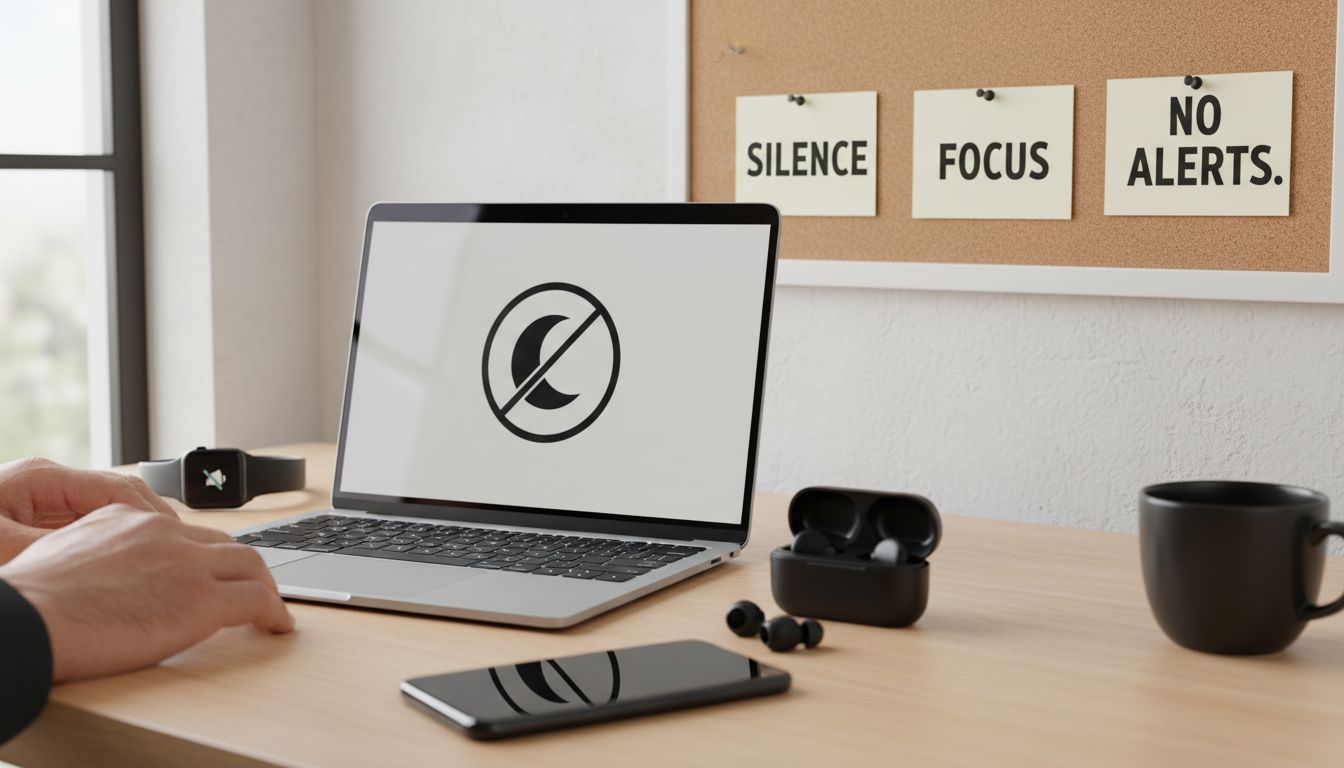
Go beyond basic settings by creating a dedicated viewing profile or workspace that automatically minimizes potential interruptions. This might involve using browser extensions that block social media sites, turning off email sync during your learning time, and positioning devices strategically away from your immediate line of sight. Consider using separate user accounts on your devices specifically designed for distraction free learning and focused content consumption.
Pro tip: If you struggle with self control around digital temptations, use apps that temporarily lock you out of distracting programs during your viewing window. These digital discipline tools can help you maintain the focused environment you need for efficient video learning.
Step 3: Enable distraction-reducing video tools
Streamlining your digital environment means strategically selecting and configuring tools that actively minimize interruptions and enhance your video viewing focus. The goal is to create a technological ecosystem that supports uninterrupted learning and information absorption.
Intelligent interruption management techniques can transform how you interact with digital devices during video sessions. Start by exploring browser extensions and mobile apps specifically designed to block distracting websites and limit notifications. Some advanced tools use context aware algorithms to predict and manage potential interruptions, allowing you to maintain concentration. Network traffic management strategies can help you identify and suppress non essential digital connections that might fragment your attention during important viewing sessions.
Consider implementing dedicated focus modes across your devices that automatically silence communications and restrict access to potentially distracting applications. Many modern operating systems include built in concentration tools that can temporarily disable messaging apps, email clients, and social media platforms. For more robust control, explore third party productivity applications that provide granular control over your digital environment.
Pro tip: Video productivity strategies can significantly enhance your learning efficiency by helping you create a distraction free digital workspace that supports sustained mental focus.
Step 4: Apply proven video summary techniques
Mastering video summary techniques transforms passive viewing into active learning, helping you extract maximum value from every video you watch. By implementing strategic approaches, you can dramatically improve information retention and comprehension.
Attention Restoration Theory suggests that strategic breaks and mental refreshment can significantly enhance your learning process. When summarizing videos, break your viewing into focused segments, taking brief mental pauses to process information. Use active note taking techniques like the Cornell method, where you divide your notes into key sections: main ideas, supporting details, and personal reflections. This approach helps you engage more deeply with the content and create a structured summary that captures essential insights.
Practice extracting key points within the first few minutes of a video and again at critical transition moments. Look for thesis statements, main arguments, and pivotal examples that encapsulate the core message. Understanding the benefits of video summarization can help you develop a more systematic approach to consuming digital content efficiently. Develop a consistent annotation system using symbols or color coding to quickly distinguish between main ideas, supporting evidence, and your personal insights.
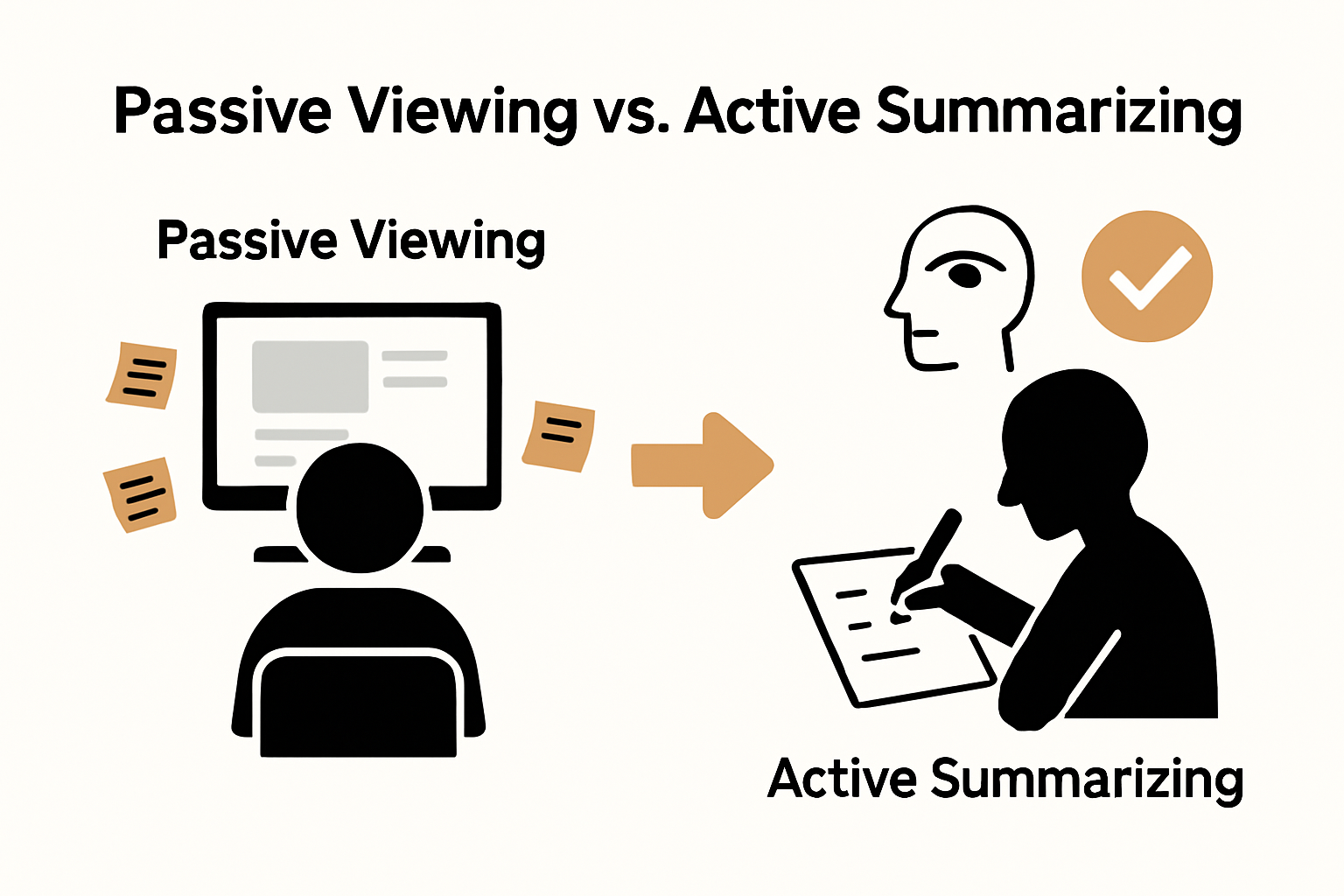
Pro tip: Treat video summaries like intellectual snapshots. Your goal is not to transcribe every word, but to capture the essence of the content in a way that allows rapid comprehension and future reference.
Step 5: Review and verify focused video comprehension
Verifying your understanding after watching a video transforms passive consumption into active learning, ensuring you truly grasp the material rather than just watching content superficially. This critical step helps solidify your knowledge and identify any gaps in comprehension.
Minimizing digital interruptions is crucial when conducting your comprehension review. Immediately after watching the video, create a distraction free environment where you can reflect and assess your learning. Start by writing a brief summary in your own words without referring back to the original content. This technique forces your brain to reconstruct the key concepts and reveals how well you truly understood the material.
Develop a systematic review process that goes beyond simple recall. Improve your video comprehension by asking yourself critical questions about the content: What were the main arguments? What evidence supported those arguments? What questions remain unanswered? Create a structured reflection document that breaks down the video into main ideas, supporting details, and your personal insights or potential applications of the information.
Pro tip: If you struggle to summarize the content coherently, it might indicate that you need to rewatch certain sections or seek additional context. Comprehension is not about memorization but about understanding core concepts and their interconnections.
Boost Your Focus and Master Video Learning with SummYT
If constant video distractions keep you from efficient learning as described in this guide, you are not alone. Struggling to maintain focus, manage digital interruptions, or quickly grasp key points can drain your motivation and waste valuable time. This is where SummYT steps in to transform your video experience. By generating clear and concise summaries from any YouTube video, SummYT helps you skip the fluff and ads that disrupt concentration so you can absorb essential insights faster and with less effort.
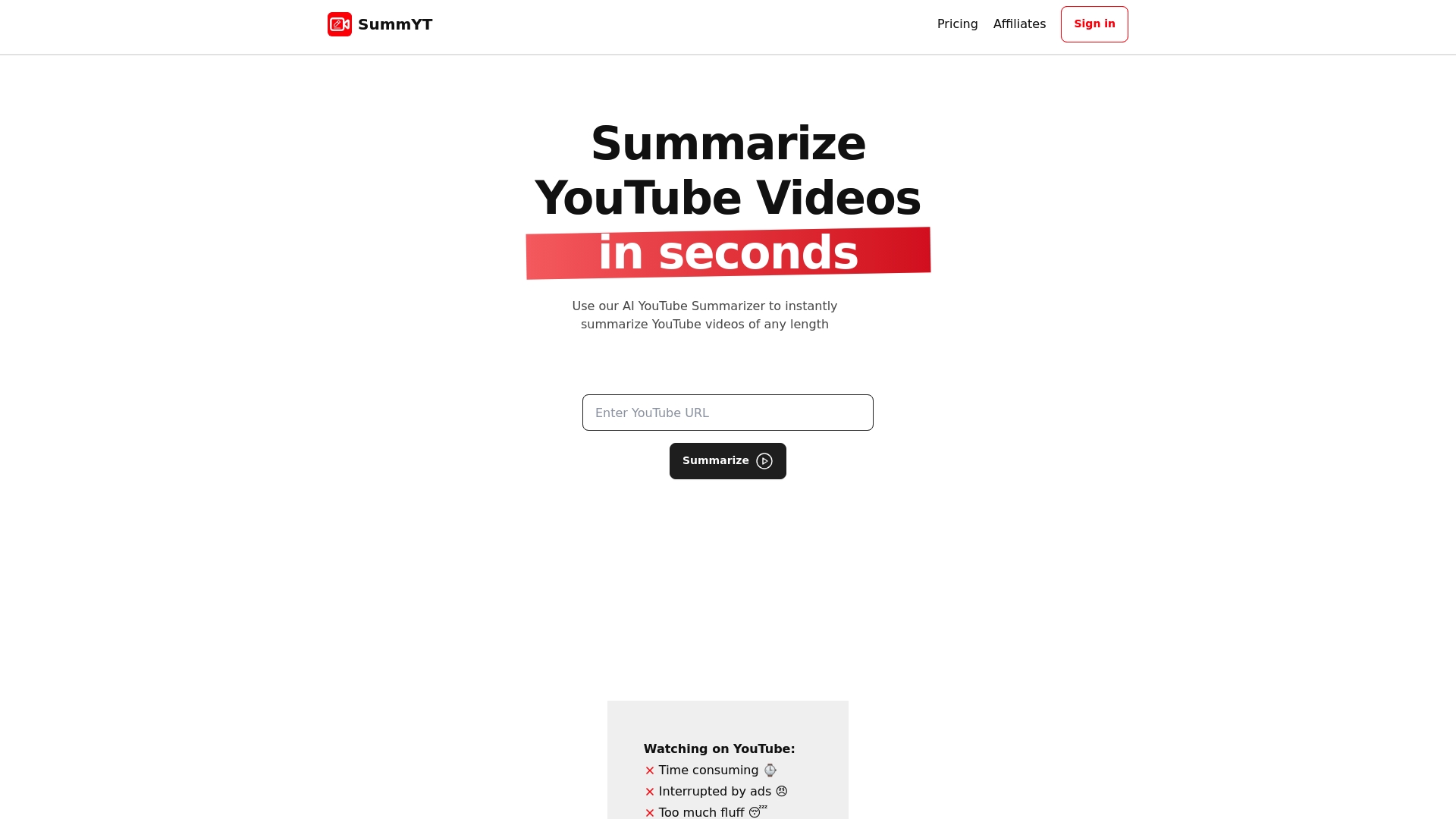
Skip distractions and improve your video comprehension today by trying SummYT. Whether you want to quickly summarize educational lectures, webinars, or tutorials, this AI-powered tool enables you to reclaim your focus and enhance retention. Start optimizing your viewing habits now with SummYT’s powerful YouTube summarizer to stay productive and stress-free. Learn more about how to create distraction-free video sessions and implement effective video productivity strategies to maximize every minute spent learning.
Frequently Asked Questions
How can I create a distraction-free viewing environment?
To create a distraction-free viewing environment, select a quiet space with good lighting and ventilation. Remove visual clutter and silence any digital notifications to minimize interruptions during your video session.
What steps can I take to limit digital distractions from my devices?
To limit digital distractions, activate do not disturb mode on all devices and position your phone out of sight. Consider using browser extensions that block distracting sites to keep your focus sharp during video viewing.
How do I effectively summarize video content for better retention?
To effectively summarize video content, divide your viewing into segments and take brief notes using techniques like the Cornell method. Focus on capturing key points, main arguments, and personal reflections to enhance retention and comprehension.
What should I do immediately after watching a video to ensure I understand the material?
After watching a video, write a brief summary in your own words to reinforce your understanding of the material. Ask yourself critical questions about the video’s main ideas and supporting evidence to identify any gaps in comprehension.
How can I improve my attention during video watching sessions?
You can improve attention during video sessions by using focus modes on your devices that limit communication and notifications. Establish a routine that includes practicing active engagement with the content through notetaking and periodic reviews.
Can having plants in my workspace really help reduce distractions?
Yes, having plants in your workspace can enhance mental clarity and create a calming atmosphere, potentially reducing distractions. Place a small plant near your viewing area to promote a more focused and relaxing environment.
Recommended
- How to Condense Long Videos for Engaging Content Creation
- 7 Must-Have Browser Extensions for Students’ Learning Success
- 7 Essential Video Productivity Tips for Learning Faster
- Video Note-Taking Guide: Everything You Need to Know
- Projector Screen Size Guide 2025: Perfect Fit for Malaysian Needs - Projector Display