7 Smart Ways to Learn Faster With YouTube com Videos


Over 2 billion people turn to YouTube for learning, yet most american viewers find it hard to learn efficiently from video content. With endless choices, distractions, and long videos, organizing knowledge feels almost impossible. By using smart strategies like video summaries, curated playlists, and note-taking methods, you can turn every YouTube visit into a powerful tool for self-education. Discover how you can boost your learning speed and comprehension without the usual frustration.
Table of Contents
- 1. Start With Video Summaries For Quick Understanding
- 2. Use Playlists To Organize Your Learning
- 3. Watch At Faster Speeds To Save Time
- 4. Turn On Captions For Multilingual Support
- 5. Bookmark Key Moments With Browser Extensions
- 6. Take Notes For Reference And Recall
- 7. Extract Actionable Insights For Fast Progress
Quick Summary
| Key Insight | Explanation |
|---|---|
| 1. Use Video Summaries for Efficiency | Video summaries condense key information, allowing for faster understanding without watching full videos. |
| 2. Organize Learning with Playlists | Creating playlists structures your learning path, helping you absorb related content systematically. |
| 3. Adjust Playback Speed for Time Saving | Watching videos at increased speeds can reduce learning time while maintaining comprehension. |
| 4. Enable Captions for Enhanced Comprehension | Activating captions improves understanding, especially for non-native speakers, by providing visual context. |
| 5. Extract Actionable Insights | Focus on taking practical notes that can be applied immediately, transforming learning into personal growth opportunities. |
1. Start With Video Summaries for Quick Understanding
Learning from YouTube videos doesn’t have to mean watching hours of content. Video summaries provide a strategic shortcut to understanding key insights without time consuming viewing. By leveraging concise video summaries, you can dramatically reduce learning time while capturing the most critical information.
Think of video summaries as your personal knowledge extraction tool. Instead of sitting through an entire lecture or tutorial, these condensed versions pull out the main points, core arguments, and essential takeaways. This approach transforms how you consume educational content online making learning faster and more efficient.
To get started, look for tools that automatically generate summaries from YouTube videos. These AI powered solutions analyze the video content and create precise, readable overviews that capture the essence of the original material. You can quickly scan the summary to decide if the full video merits your complete attention.
Pro Tips for Using Video Summaries: • Review the summary first to understand the core concepts • Use summaries as a preview before watching the entire video • Compare multiple summary versions to get comprehensive insights • Take quick notes from the summary for faster comprehension
By prioritizing video summaries, you transform YouTube from a passive watching experience into an active learning platform. The key is treating summaries as your first step in the learning process not a replacement for deep understanding but a strategic entry point into complex topics.
2. Use Playlists to Organize Your Learning
Playlists are your secret weapon for transforming random YouTube videos into structured learning experiences. By strategically organizing video content, you can create customized learning paths that help you absorb information more efficiently and systematically.
Why Playlists Matter: Think of playlists as your personal learning curriculum. Instead of jumping between unrelated videos, you create a logical sequence that builds knowledge step by step. This approach allows you to progress through complex topics with a clear, organized structure.
YouTube’s official support guidelines recommend creating playlists that follow a coherent learning progression. How to Build Effective Learning Playlists:
• Group videos by skill level (beginner, intermediate, advanced) • Create thematic playlists around specific subjects or skills • Arrange videos in a sequential order that builds upon previous content • Include a mix of tutorial, lecture, and practical demonstration videos
For instance, if you want to learn programming, build a playlist that starts with foundational concepts, moves through syntax basics, and progresses to advanced coding techniques. Each video becomes a building block in your learning journey, allowing you to track your progress and maintain focus.
Pro Tip: Regularly update and curate your playlists. Remove videos that no longer serve your learning objectives and continuously refine your educational collections to keep them relevant and engaging.
3. Watch at Faster Speeds to Save Time
Modern learning demands efficiency, and watching YouTube videos at increased playback speeds is a game changing strategy for knowledge acquisition. Advanced video learning techniques enable you to consume content faster without sacrificing comprehension.
Scientific research from the National Center for Biotechnology Information reveals that most people can effectively process information at 1.5x to 2x normal playback speed. This means you can potentially cut your learning time in half while maintaining excellent understanding of the material.
Key Playback Speed Strategies: • Start at 1.25x speed and gradually increase • Choose videos with clear, well paced narration • Practice active listening during faster playback • Use subtitles to support comprehension
How to Adjust Video Speed: YouTube makes speed adjustment incredibly simple. Click the settings gear icon, select playback speed, and choose your preferred rate. Experiment to find your optimal learning speed. Some learners comprehend best at 1.5x, while others can handle 2x without losing critical information.
Remember that not all content works equally well at higher speeds. Technical lectures or complex mathematical explanations might require slower viewing. The key is finding the right balance between speed and comprehension for each specific video.
4. Turn on Captions for Multilingual Support
Captions are a powerful learning tool that transforms how you consume educational content on YouTube. By enabling multilingual video support, you unlock a world of learning possibilities beyond language barriers.
Research from the National Center for Biotechnology Information reveals that captions significantly enhance comprehension, especially for non native speakers. They provide visual reinforcement of spoken content, helping you catch nuanced information you might otherwise miss.
How to Maximize Caption Learning: • Enable subtitles in your preferred language • Use auto translate feature for additional language options • Select closed captions for more accurate transcriptions • Combine captions with slower video playback for deep understanding
Pro Tip: YouTube offers automatic caption generation in multiple languages. Even if the original video is not in your native tongue, you can often get translated captions that make learning accessible and engaging.
For language learners, captions are particularly valuable. They help you simultaneously hear pronunciation while reading text, creating a powerful multisensory learning experience. Whether you are studying a technical subject or trying to improve your language skills, captions provide an additional layer of comprehension that can dramatically improve your learning efficiency.
5. Bookmark Key Moments With Browser Extensions
Learning from YouTube videos becomes dramatically more efficient when you can instantly mark and return to crucial information. Browser extensions for student productivity transform how you interact with educational content by allowing precise moment tracking.
Browser bookmarking tools eliminate the frustrating process of manually scrubbing through videos to find specific insights. With the right extension, you can create instant timestamps that map directly to key learning moments, turning passive watching into active knowledge capture.
Strategic Bookmarking Techniques: • Mark moments with complex explanations • Bookmark sections you want to review later • Create personal study notes within the video • Share specific video timestamps with study groups
Pro Tip: Look for browser extensions that allow multiple bookmark types. Some advanced tools let you color code bookmarks, add personal notes, or even export your marked sections for future reference.
Whether you are studying complex scientific concepts, learning a new programming language, or preparing for an important presentation, bookmarking extensions provide a powerful way to transform scattered video content into a structured learning experience. By capturing key moments instantly, you create a personalized knowledge repository that adapts to your unique learning style.
6. Take Notes for Reference and Recall
Transforming YouTube videos from passive entertainment to active learning requires strategic note taking. Effective note taking strategies turn scattered video content into a powerful personal knowledge system.
Note taking is not about transcribing every single word but capturing key insights, frameworks, and actionable information. The human brain retains information more effectively when you actively engage with content by writing or typing notes.
Powerful Note Taking Techniques: • Use shorthand and abbreviations • Focus on concepts not word for word transcription • Organize notes with clear headings and subheadings • Create visual mind maps for complex topics • Use different colors to highlight critical information
Digital Note Taking Tools: Platforms like Evernote and Microsoft OneNote provide robust solutions for organizing your learning. These tools allow you to sync notes across devices, add multimedia attachments, and create searchable archives of your video learning journey.
The goal of note taking is not just recording information but creating a personal knowledge database you can quickly reference and review. By developing a consistent note taking practice, you transform random YouTube videos into a structured learning experience that supports long term retention and understanding.
7. Extract Actionable Insights for Fast Progress
Learning from YouTube is not about passive consumption but active knowledge extraction. Video comprehension techniques transform random content into strategic personal development resources.
Actionable insights are the gold standard of effective learning. They are specific, practical takeaways that you can immediately apply to your personal or professional life. Unlike generic information, actionable insights provide clear pathways to implementation.
Strategic Insight Extraction Methods: • Pause and reflect after each key segment • Ask yourself “How can I use this information?” • Translate abstract concepts into concrete steps • Connect video insights to your existing knowledge • Create immediate action plans
Pro Insight Capture Technique: During video playback, maintain a dedicated action column in your notes. For every interesting concept, immediately write down one specific way you could apply that knowledge in the next 24 to 48 hours.
The goal is not just understanding but transforming knowledge into meaningful personal progress. By developing a systematic approach to extracting actionable insights, you turn YouTube from an entertainment platform into a powerful personal growth tool. Each video becomes an opportunity for immediate skill enhancement and strategic development.
Below is a comprehensive table summarizing the strategies for enhancing learning efficiency using YouTube videos discussed throughout the article.
| Strategy | Implementation | Benefits |
|---|---|---|
| Video Summaries | Use AI-powered tools for quick video overviews | Reduces learning time and captures key insights |
| Playlists | Organize videos by topic or skill level | Creates structured learning paths and enhances focus |
| Faster Playback | Adjust speed to 1.5x or 2x while using subtitles | Saves time and maintains comprehension |
| Captions | Enable and auto-translate subtitles | Enhances understanding, especially for non-native speakers |
| Bookmarking | Use browser extensions to mark key moments | Facilitates targeted review and efficient note taking |
| Note Taking | Use digital tools like Evernote for organized notes | Supports long-term retention and understanding |
| Insight Extraction | Reflect and apply video insights immediately | Accelerates personal and professional development |
Accelerate Your YouTube Learning With SummYT
The article highlights the challenge of turning lengthy YouTube videos into efficient learning moments through summaries, playlists, and note taking. If you struggle to save time and want to extract actionable insights quickly SummYT offers the perfect solution. Our AI-powered platform automatically generates clear and concise summaries that capture key takeaways from any video helping you overcome time-consuming viewing and improve comprehension.
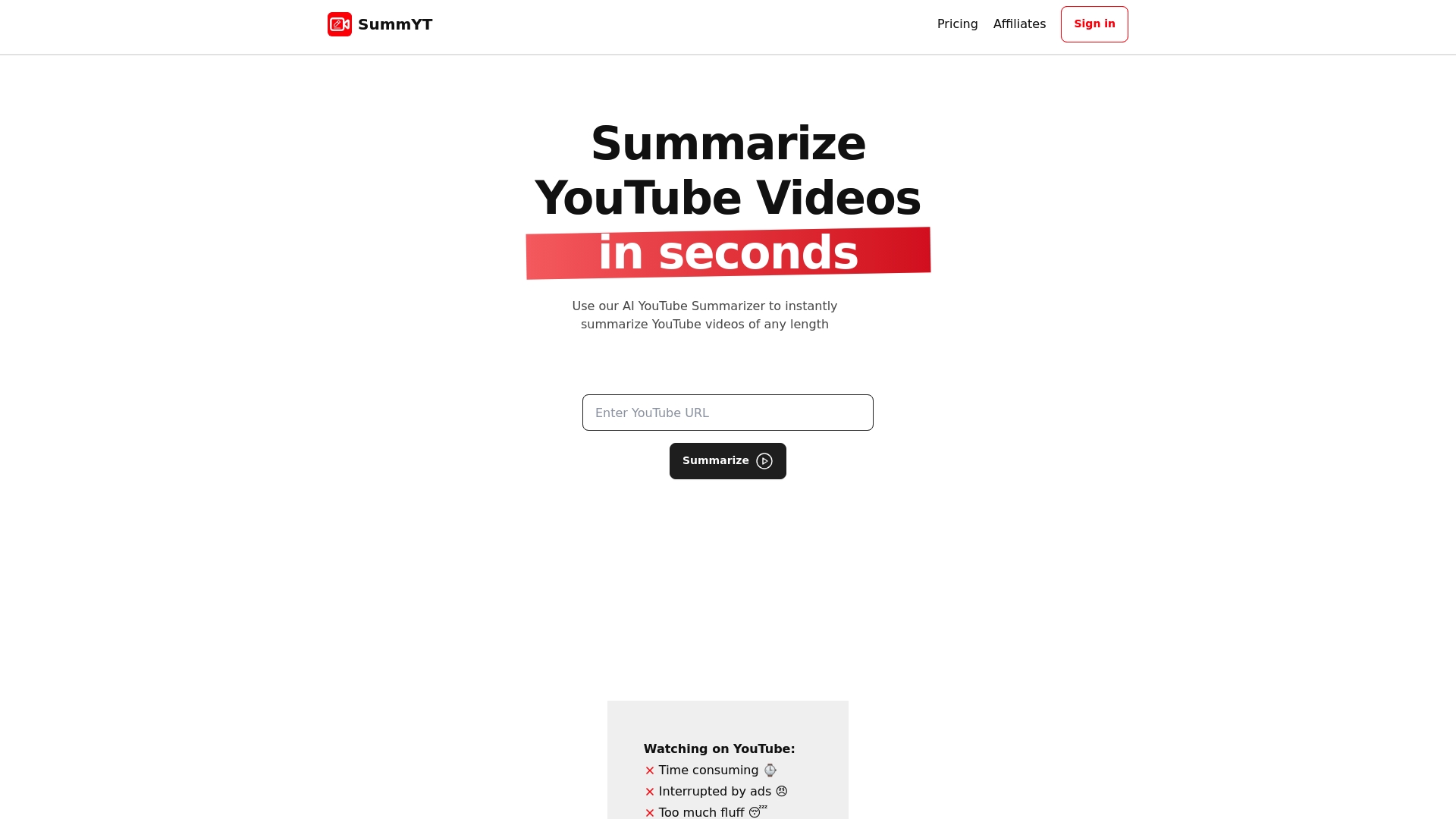
Unlock faster learning today with SummYT. Whether you need quick video summaries to preview content, want to organize insights like playlists, or prefer instant note-worthy timestamps, our tool streamlines your entire learning process. Stop wasting hours and start internalizing knowledge with SummYT now. Visit SummYT to transform your YouTube experience into a powerful learning journey.
Frequently Asked Questions
How can I use video summaries to learn faster from YouTube videos?
Video summaries condense the main points of lengthy videos, allowing you to grasp key insights quickly. Start by reviewing a summary before deciding to watch the full video to save time and increase understanding.
What are the best practices for organizing my YouTube learning using playlists?
Creating playlists allows you to structure your video learning path logically. Group videos by skill level or subject, and sequence them in a way that builds upon previous content effectively.
How can adjusting playback speed enhance my learning efficiency on YouTube?
Watching videos at increased speeds can significantly reduce your learning time while maintaining comprehension. Start at 1.25x speed and adjust it based on your comfort level; many people can effectively understand content at speeds of up to 2x.
What are the benefits of using captions while watching educational videos on YouTube?
Captions improve comprehension, especially for non-native speakers, by providing visual reinforcement of audio content. To maximize learning, enable subtitles in your preferred language and pair them with slower playback speeds for better understanding.
How can I efficiently bookmark key moments in YouTube videos for later review?
Using browser extensions allows you to make quick bookmarks of important video segments, making it easy to revisit crucial information. Aim to bookmark specific timestamps whenever you encounter complex explanations or insights you want to review later.
What strategies should I use for effective note-taking while watching YouTube videos?
Focus on capturing key insights and actionable information rather than transcribing every word. Organize your notes using headings, and consider creating visual mind maps to enhance your understanding of complex topics.
Recommended
- 7 Curated YouTube Educational Channels to Boost Learning
- 10 Must-Watch Top YouTube Videos for Learning New Skills
- 7 Expert Ways to Learn Faster With Free YouTube Videos
- 7 Essential Video Productivity Tips for Learning Faster
- 7 Interactive Classroom Ideas for Engaging Learning - Projector Display
- YouTube pour le marketing de marque ?